1. Go to "Account & Organisation Administration" in the supplier portal.

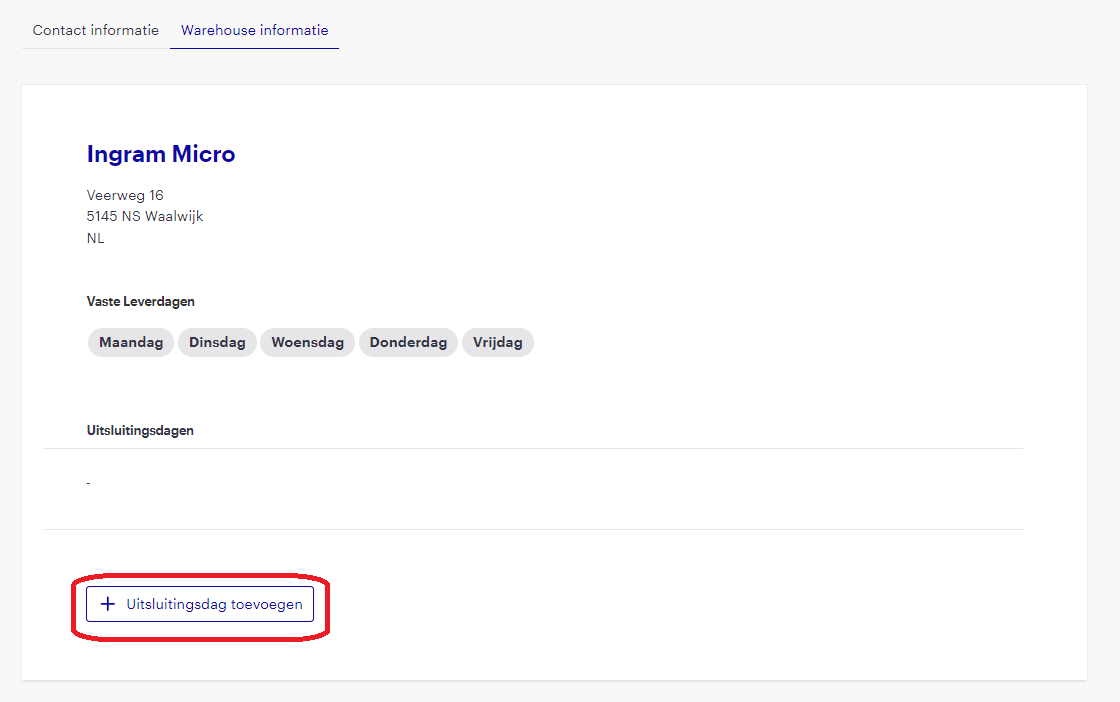
2. Select "Warehouse informatie"

3. Click on "+ Uitsluitingsdagen toevoegen"
4. Select the desired date
Keep in mind here that you specify the date when delivery is actually not possible. Suppose your warehouse is closed on 13 February, this means you cannot deliver on 14 February. Enter 14 February in the supplier portal.
Repeat this step if you want to add several dates at once.

5. Click on "> Toevoegen"

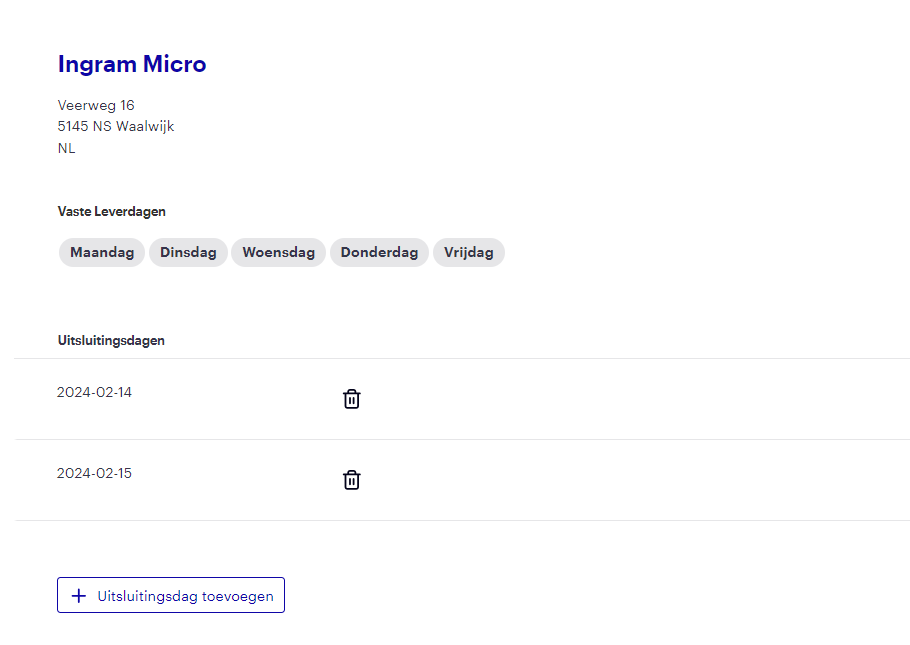
6. Check if the date(s) are correct
After clicking “Toevoegen” the added dates will appear in the “Uitsluitingsdagen” overview. Check that these dates are correct.