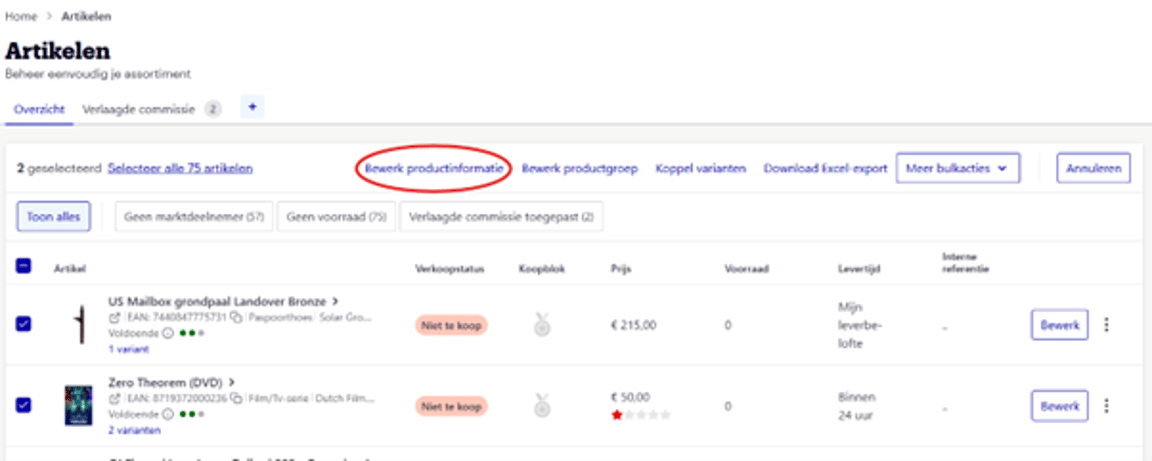
1. Go to 'My Products' in your seller account
Select the products you want to modify by checking the boxes.
2. Click 'Edit Product Information'
3. Modify French Product Information
In the top-right corner, click the French flag to add or edit French-language product information.
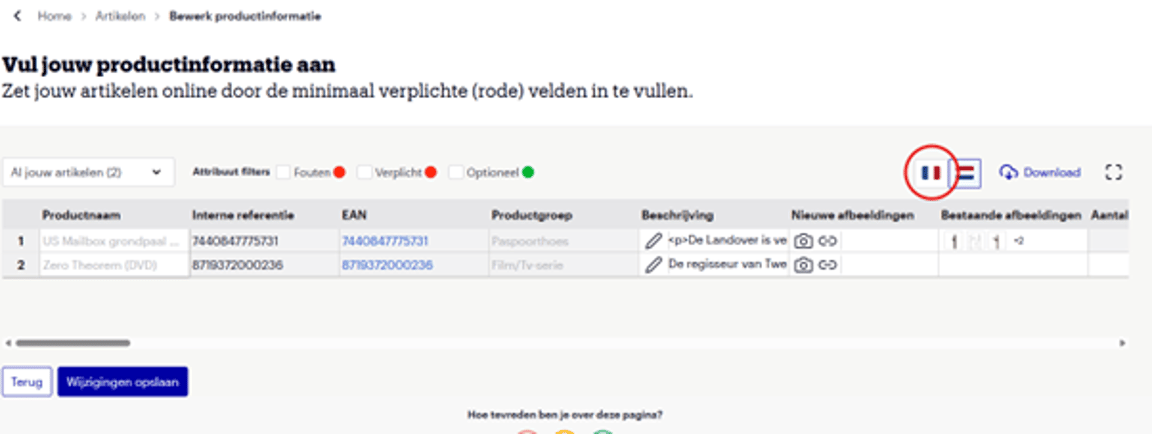
4. Want to modify the Dutch product information as well?
Click the Dutch flag. You can switch between languages without saving in between.
5. Finished? click 'Save Changes'.
What happens next? Just wait a little!
Your additions or changes will be processed within 8 hours and may then become visible on bol.
In some cases, your changes may not be visible after 8 hours. This may happen because existing or other newly submitted product information from other partners or brands has been given priority.
You can always check the ‘Feedback’ section in your seller account for feedback on your changes.
You may also notice that French-language product information is already available, even if you did not add it yourself. This is because we automatically translate Dutch-language product information when it is available.