1. Go to the log in page
2. Logging in
Log-in with your supplier portal credentials.
If you are having issues while logging in, please look here.
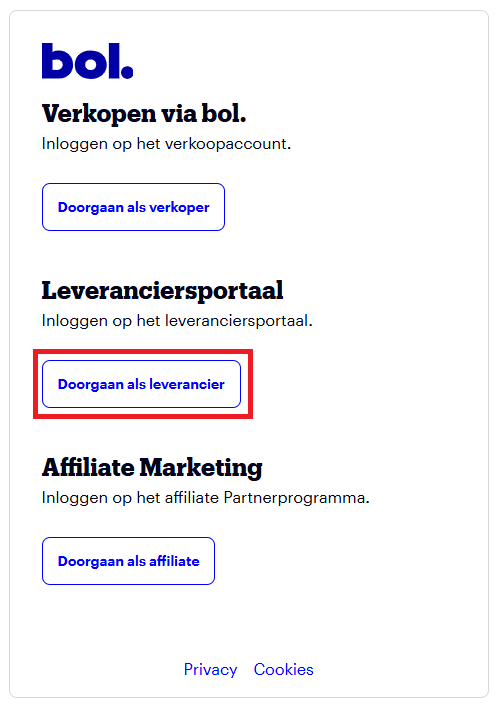
3. Doorgaan als leverancier
Select: Doorgaan als leverancier
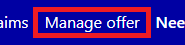
4. Manage offer (Aanbod beheren)
Select Manage offer, or Aanbod beheren depending on the language of the supplier portal.
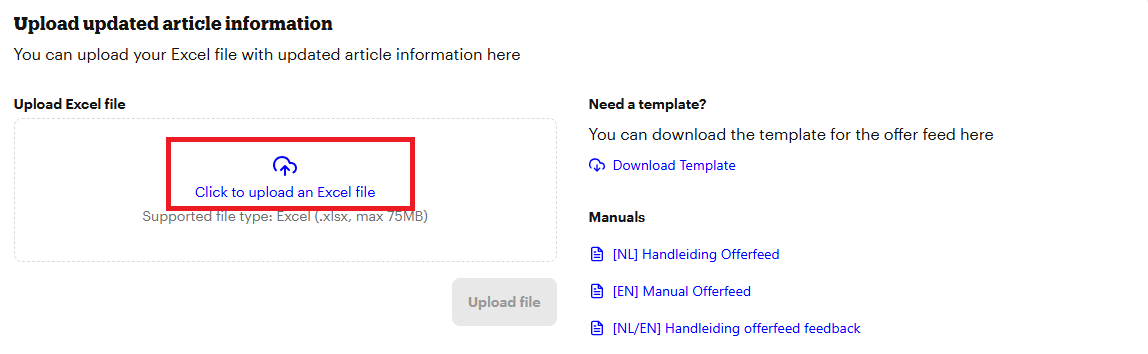
5. Select your offerfeed file
If you need an offerfeed file template, you can find that here or in the supplier portal.
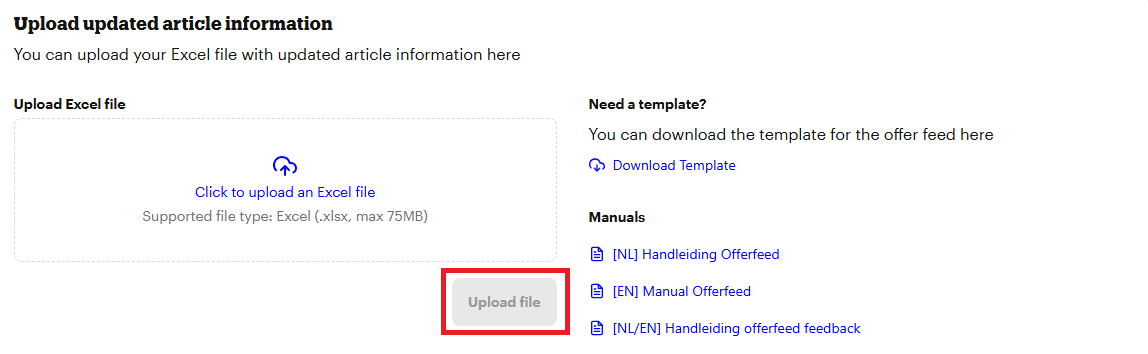
6. Upload the file
Press the Upload file button
7. After uploading
After uploading, your file will be processed
8. After processing
After processing, your file is successfully uploaded
9. Offerfeed feedback file
Check for more information about the status of your uploaded offerfeed and the offerfeed feedback report here.