1. Go to the log in page
2. Logging in
Log-in with your supplier portal credentials.
If you are having issues while logging in, please look here.
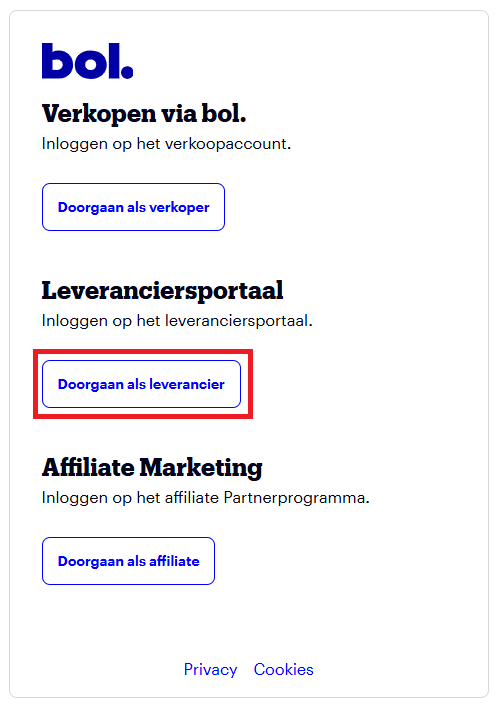
3. Doorgaan als leverancier
Select: Doorgaan als leverancier
4. Manage offer (Aanbod beheren)
Select Manage offer, or Aanbod beheren depending on the language of the supplier portal.
